Document Parsing Engines
Create Engine
Currently, we support the following engine types:
| Engine Type | Supported Engines | Use Case |
|---|---|---|
| Markdown text conversion | Markitdown, Jina, MinerU, MinerU API | Convert websites/files to Markdown |
| Text to speech | Doubao Podcast, OpenAI Audio models | Podcast generation |
| Image generation | Gemini Banana model | Column illustrations |
| Audio to text | Volcengine Jiyin Fast, Volcengine Speech-to-Text Standard | Audio transcription |
The official Jina engine currently does not support file conversion, only website conversion. For file types, use one of the other three options.
The configuration fields appear at the bottom of the dialog after you click Configure on an installed engine. Set the parameters according to the examples.
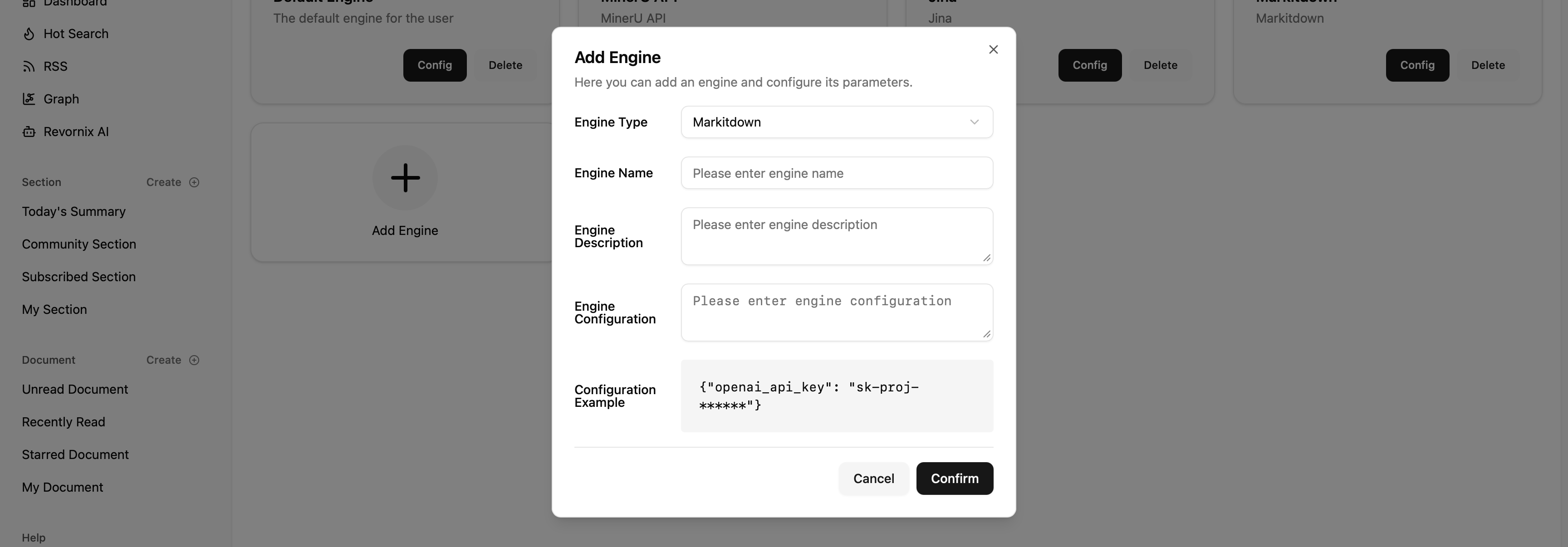
For Markitdown, it is recommended to set openai_api_key to enable image parsing. Without it, images cannot be parsed. You can apply for an API key at https://openai.com .
MinerU API requires its own API key. See https://mineru.net for the application process.
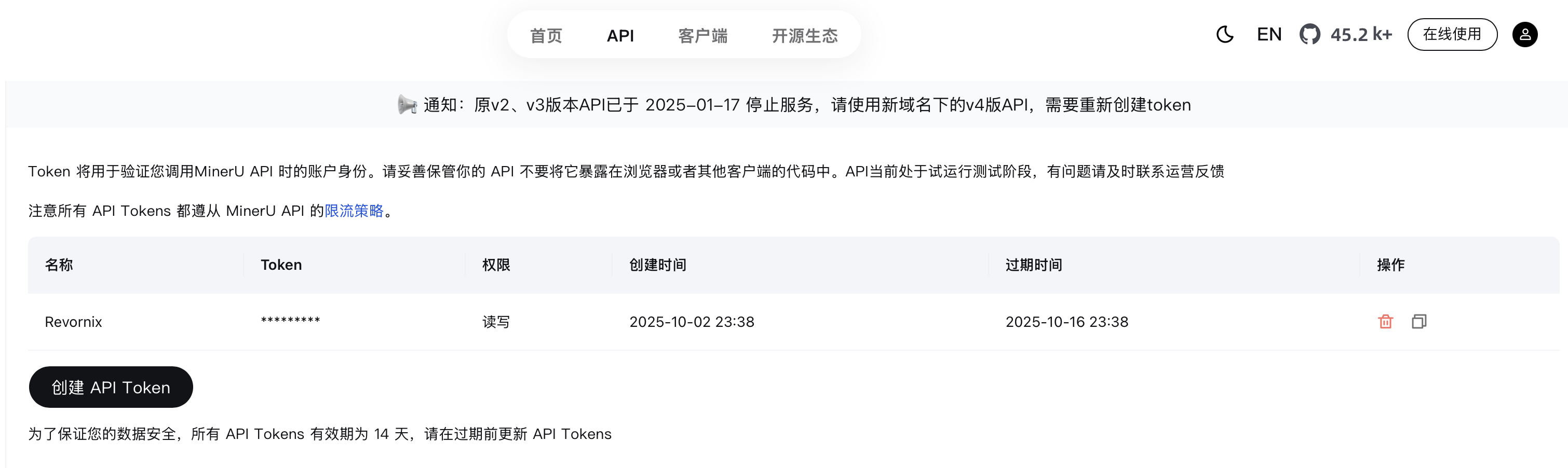
Jina also requires an API key. See https://jina.ai for the application process.
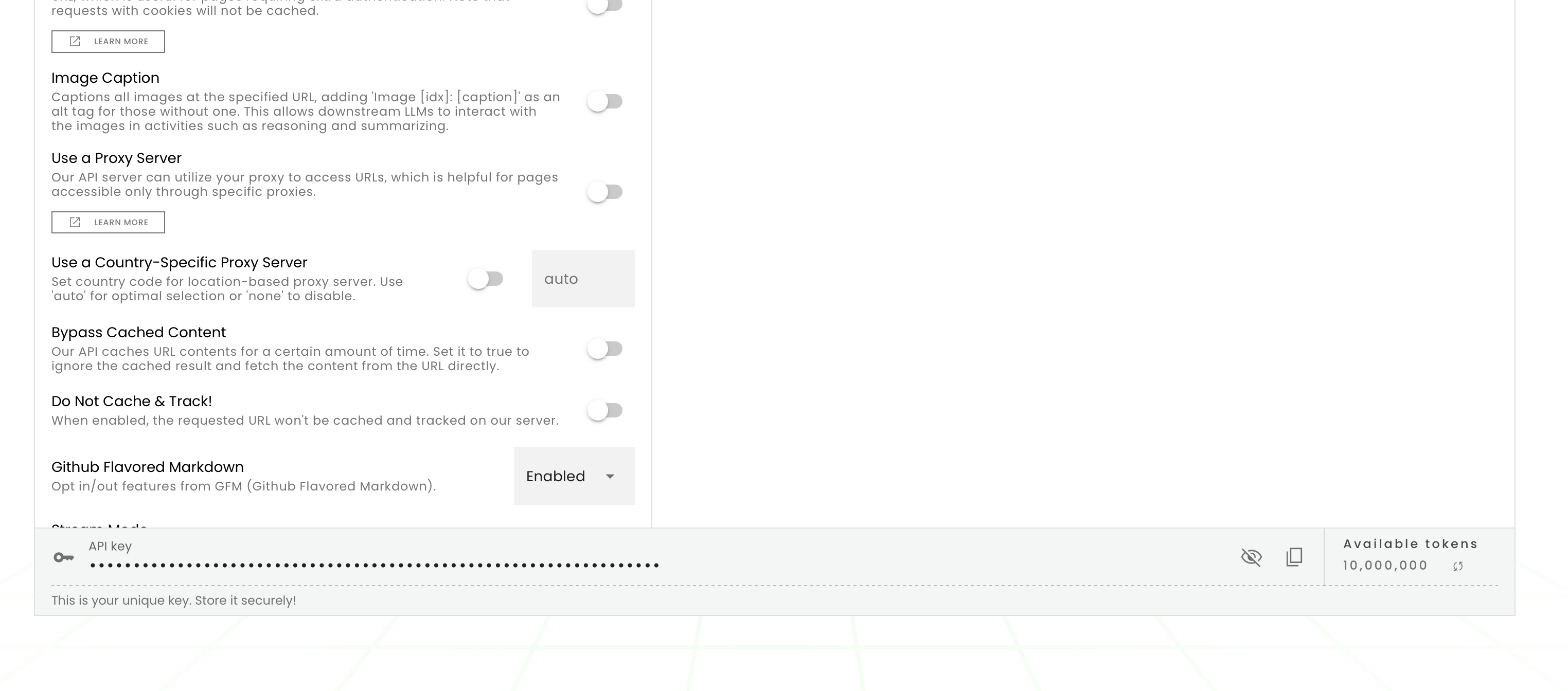
If you use MinerU API, note that MinerU does not support requests from non-China IPs. If you encounter errors, check whether a local proxy is enabled and remove HTTP_PROXY / HTTPS_PROXY if set.
Install the engine, complete configuration, and then use it for document conversion.

Share engines / use shared engiens
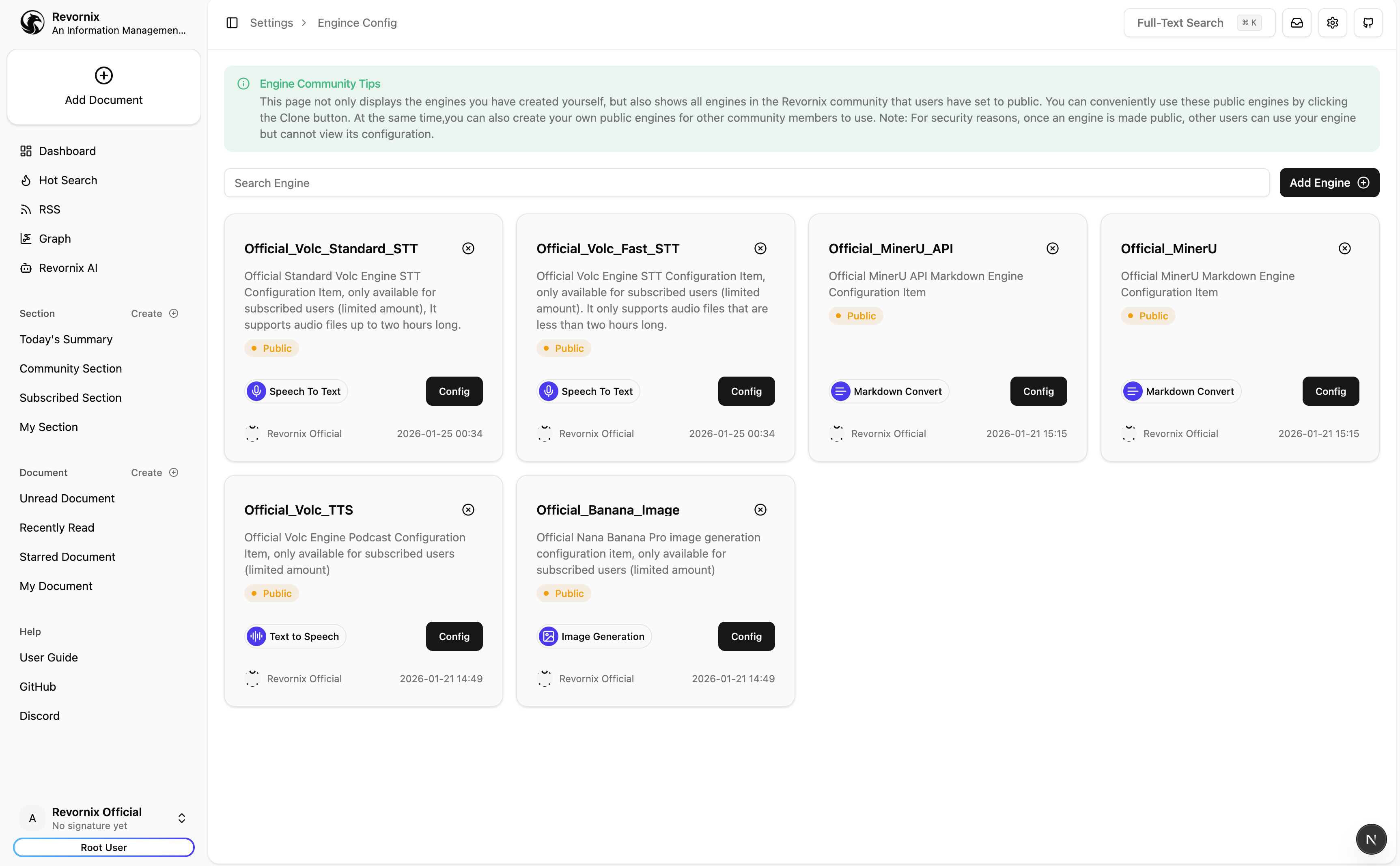
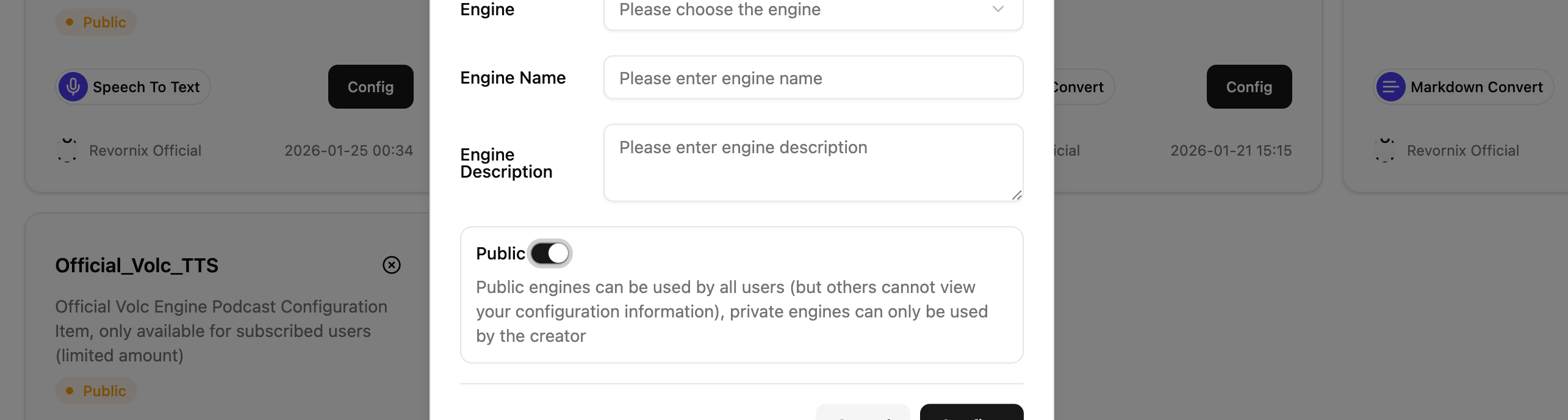
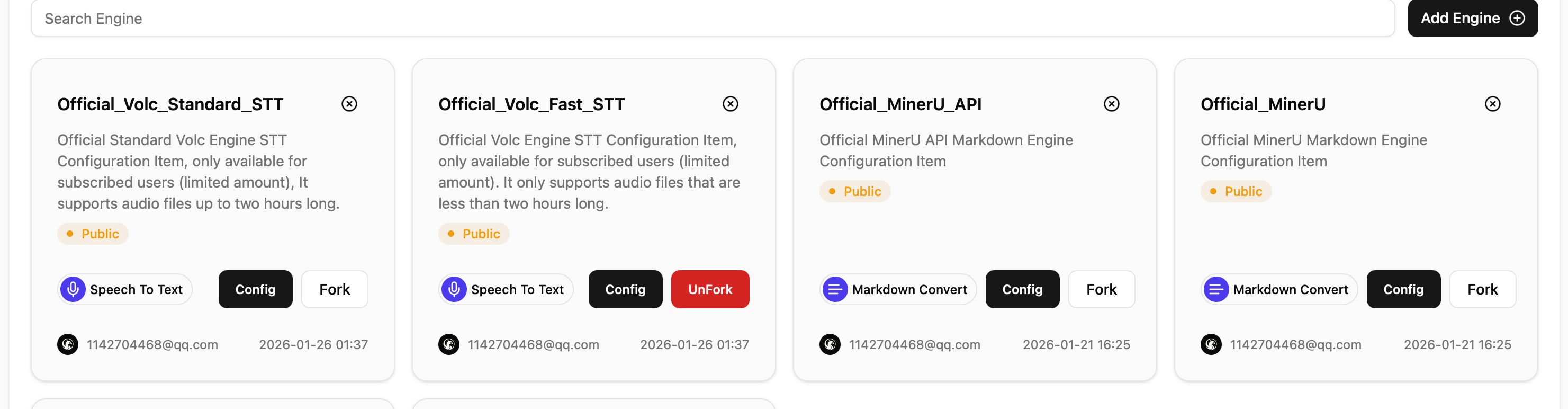
Starting from v0.6.1, we support the engine community. You can make your engine public for others to use. Public engines display a yellow Public badge, and you can search other users’ public engines in the community.