Account System
Revornix natively supports multi-tenancy, which means each user can have their own account and their own sections.
If you want, Revornix can be more than just your personal document library. It can be a knowledge community, which is what I ultimately want to build.
A high-quality knowledge community.
User Profile
Each user has a personal homepage where you can see their section list. For now, the visible fields include avatar, nickname, bio, sections, followers, and following, and this may change later.
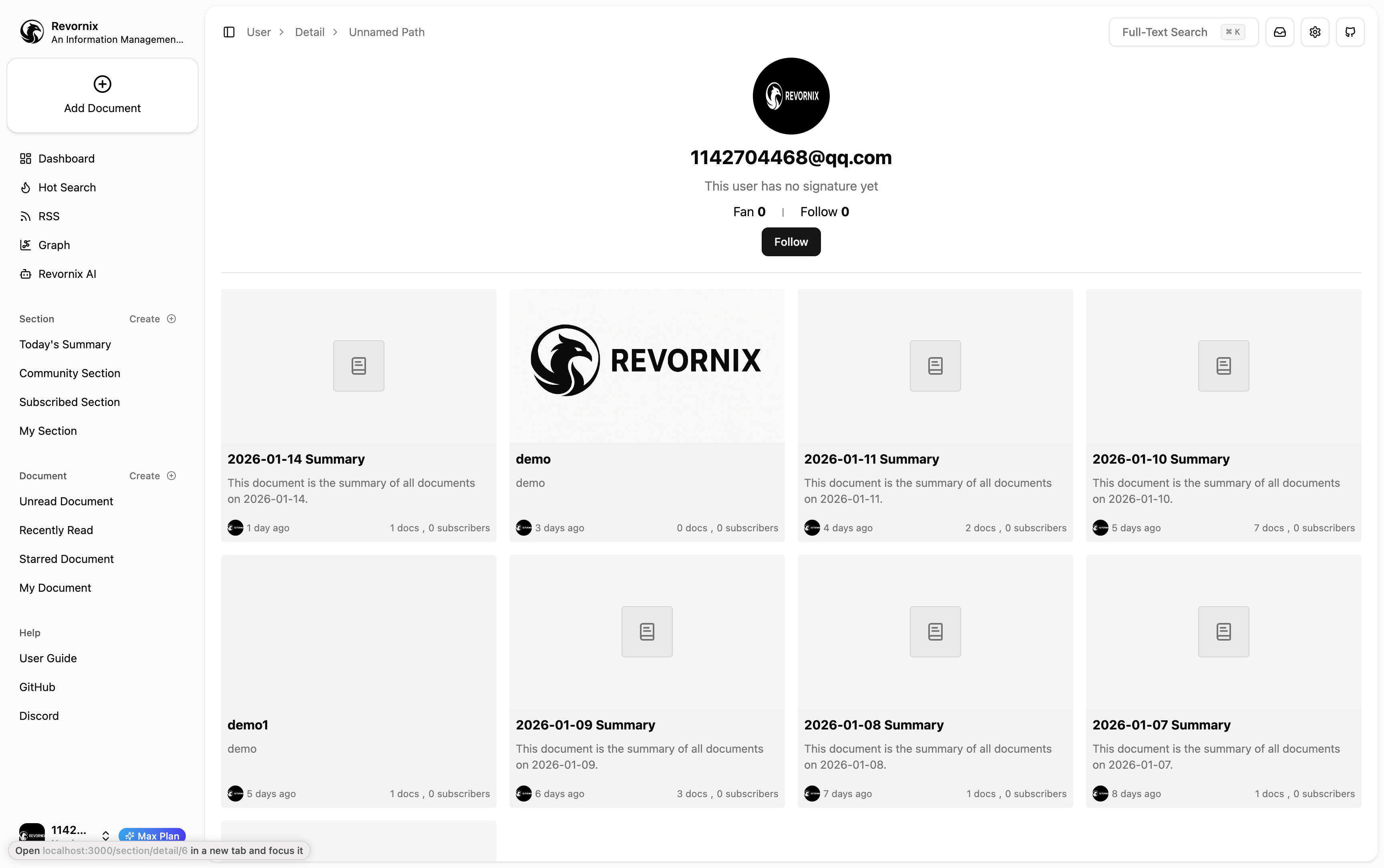
You can follow them, or leave comments in their sections.
Account Settings
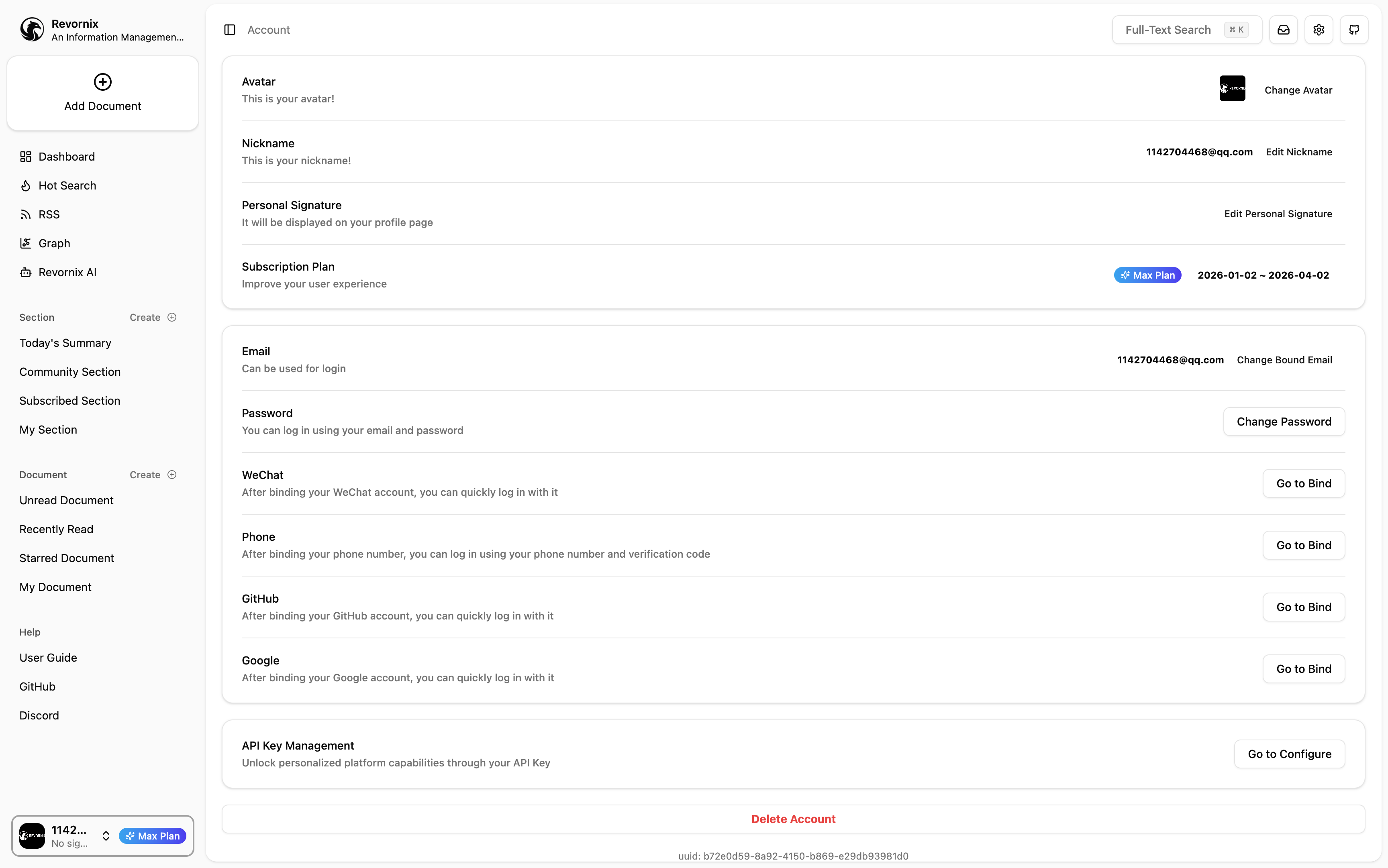
To make the community system more complete, I built account settings. Click the user avatar in the bottom-left corner -> Account to open the settings page. Here you can set your avatar, nickname, and bio.
For logical consistency, some account-related settings are also on this page, such as email changes, password changes, and your account API key.
Account API Key
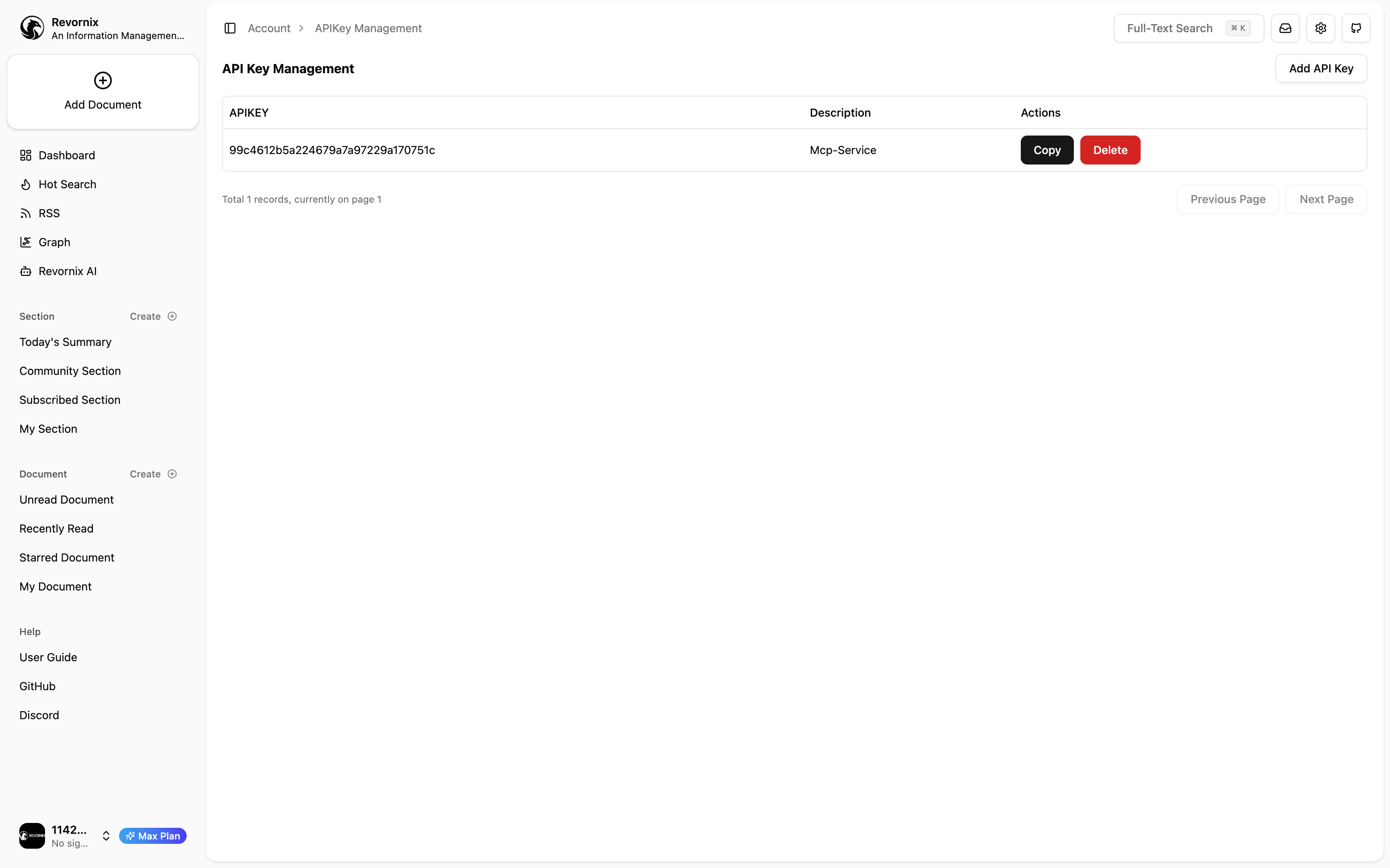
You can configure your account API key here. This key is used for API calls, and you can use it to call third-party APIs. See the API docs for the full list of endpoints.