Document Management
All documents collected into Revornix can be managed in one place.
Currently, except for quick notes, the converted result of other document sources is essentially a markdown file.
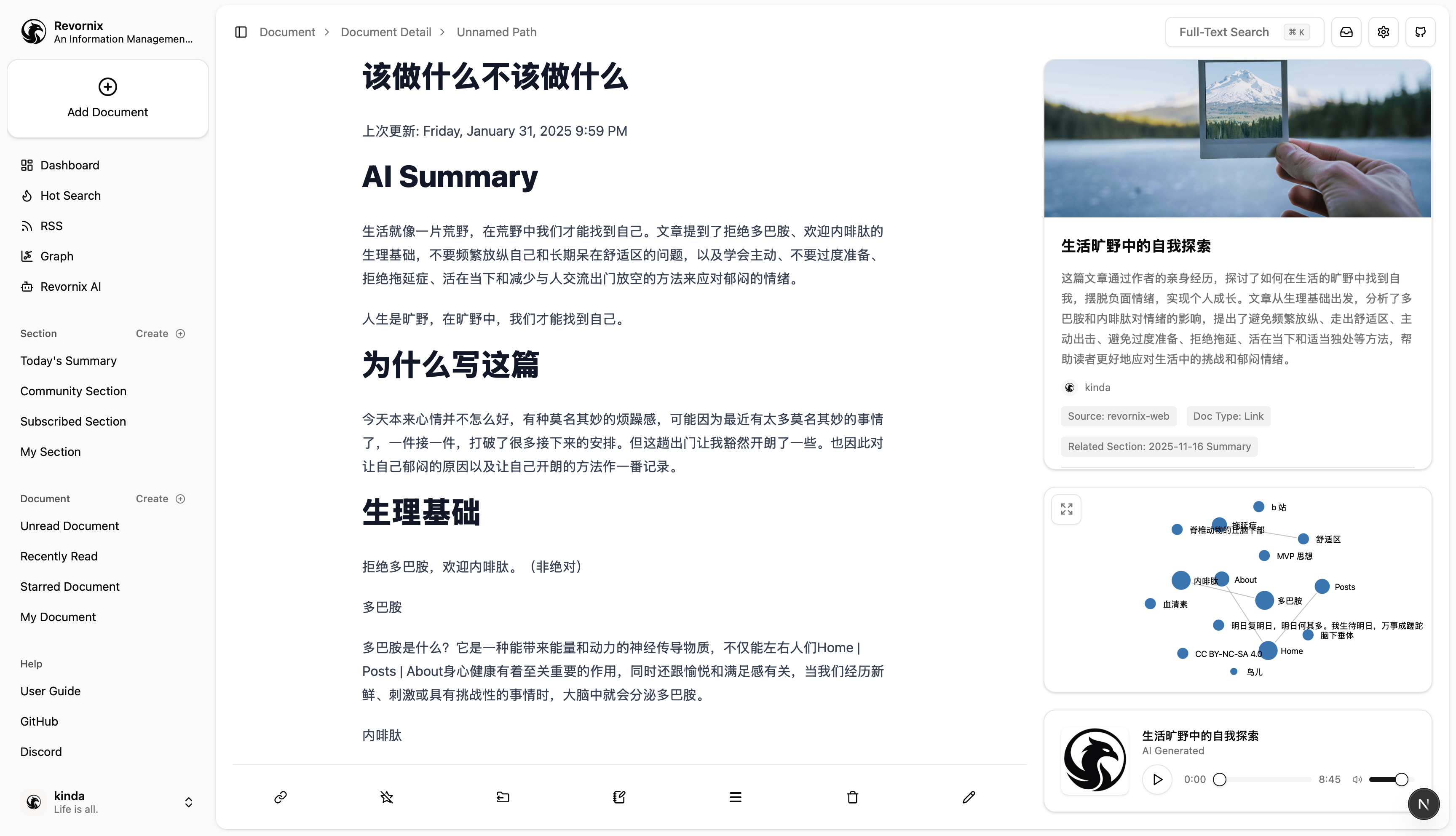
Document basics
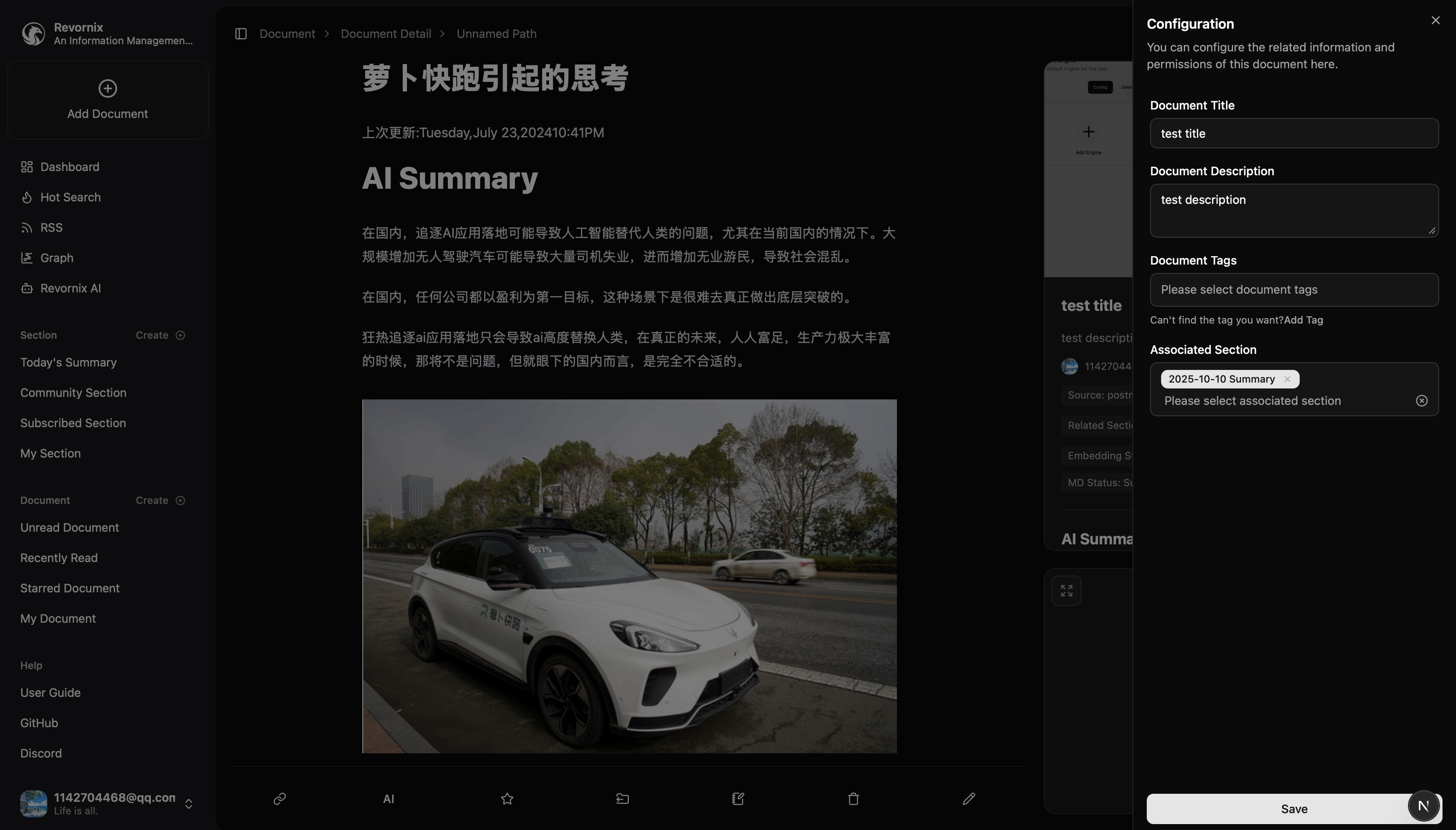
After a document is collected and converted, you can modify its title, description, tags, and sections. This will trigger section updates again.
Document status
Each document has its own status. You can switch between read and unread, and you can favorite and tag documents for easier organization later.
You can also view conversion process status, including vectorization and knowledge graph construction.
Document type and source are also available.
By default, new documents are marked as unread (including quick notes you create).
Currently, you can switch document status in the following ways:
- Open the document detail page
- Scroll to the bottom of the document detail page
- Manually mark it

Document viewing
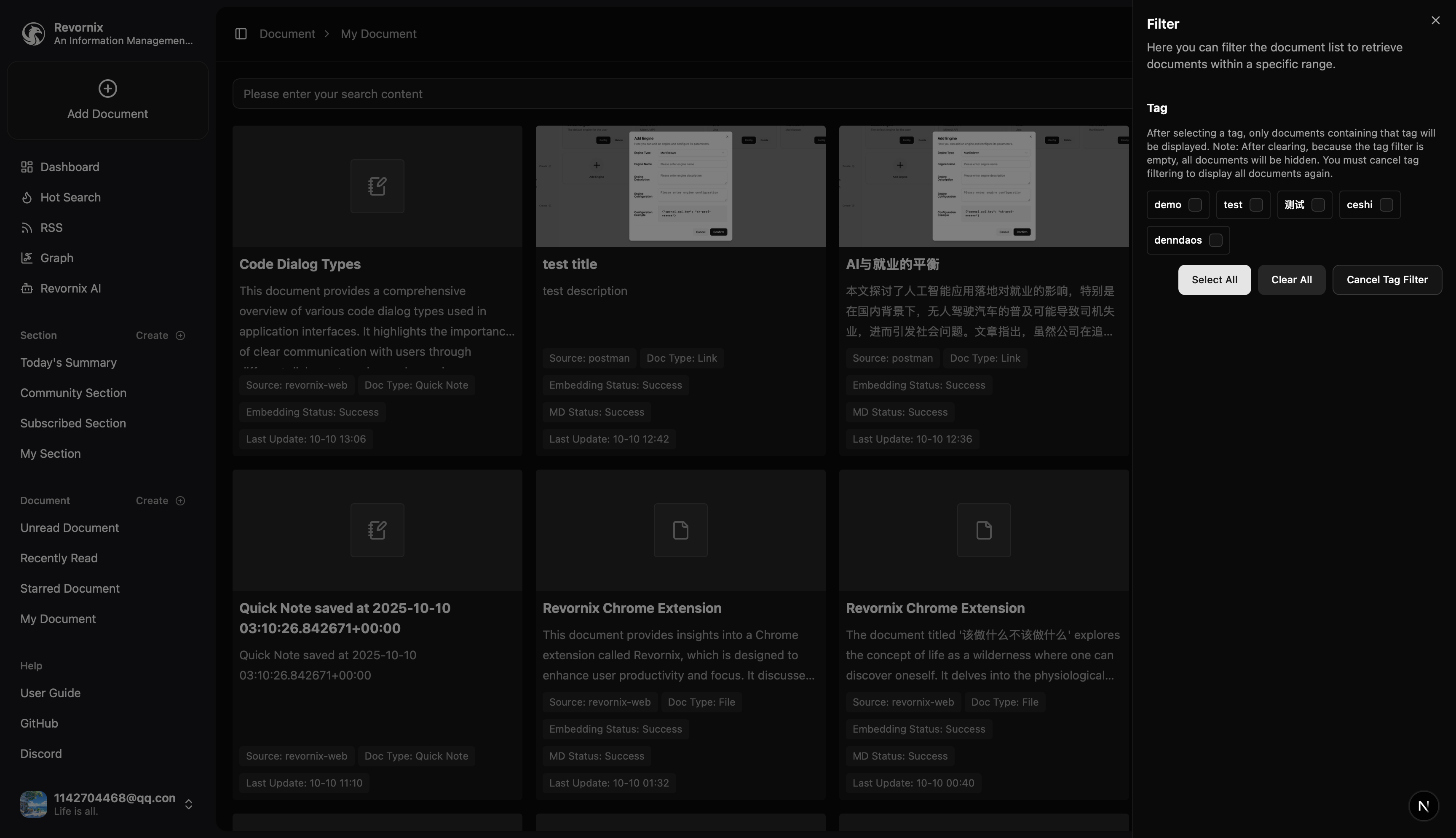
You can view documents by status or view all documents. You can also filter by tags.
Supports exact search by document title and content (based on Postgres), and global fuzzy search (based on Milvus).
Supports sorting by time in ascending or descending order.

Document storage
Document storage is split across multiple parts.
| Data | Storage |
|---|---|
| Document metadata | Postgres |
| Document files (original files / converted markdown) | Custom File Service |
| Embedded document vectors | Milvus |
| Document knowledge graph data | Neo4j |
| Document podcast audio | Custom File Service |
| Document illustrations | Custom File Service |
For cost-effectiveness, the embedding model configured in the code supports local Qwen/Qwen3-Embedding-0.6B and the cloud text-embedding-v4 on Qwen. By default it uses local Qwen/Qwen3-Embedding-0.6B. If you need higher-quality embeddings, you can configure an Aliyun DashScope API key and enable cloud embeddings, or modify the source code. I will decouple this later to let users configure it themselves.
AI summary
By configuring a model (in Settings), the system can automatically summarize document content and replace the default website title/description.
Note: if auto summary is enabled, the title and description you set for the document will be overwritten. This is the current default behavior of AI summaries.

Document notes
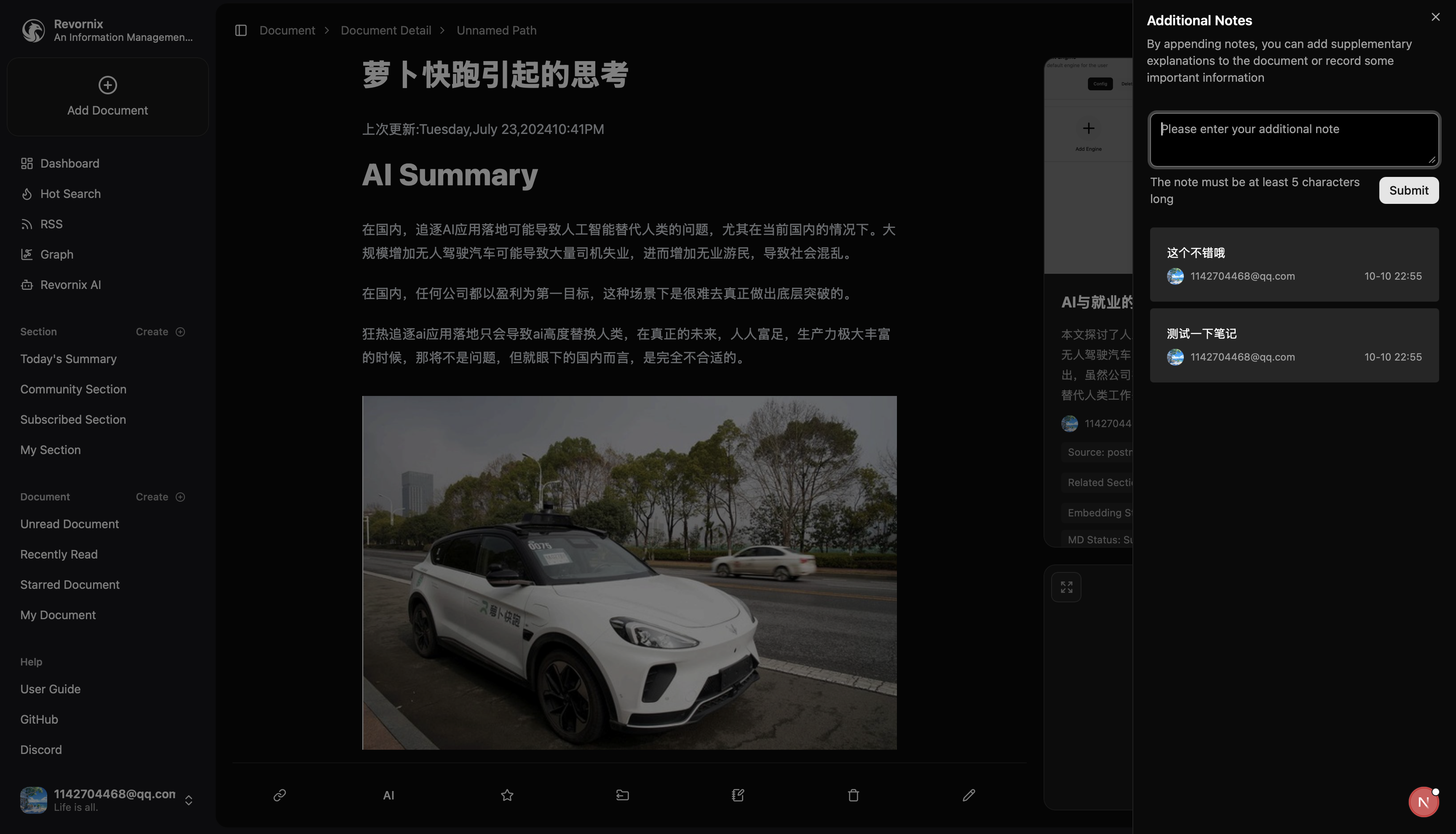
You can add supplemental notes to a document for later reference.
Document knowledge graph
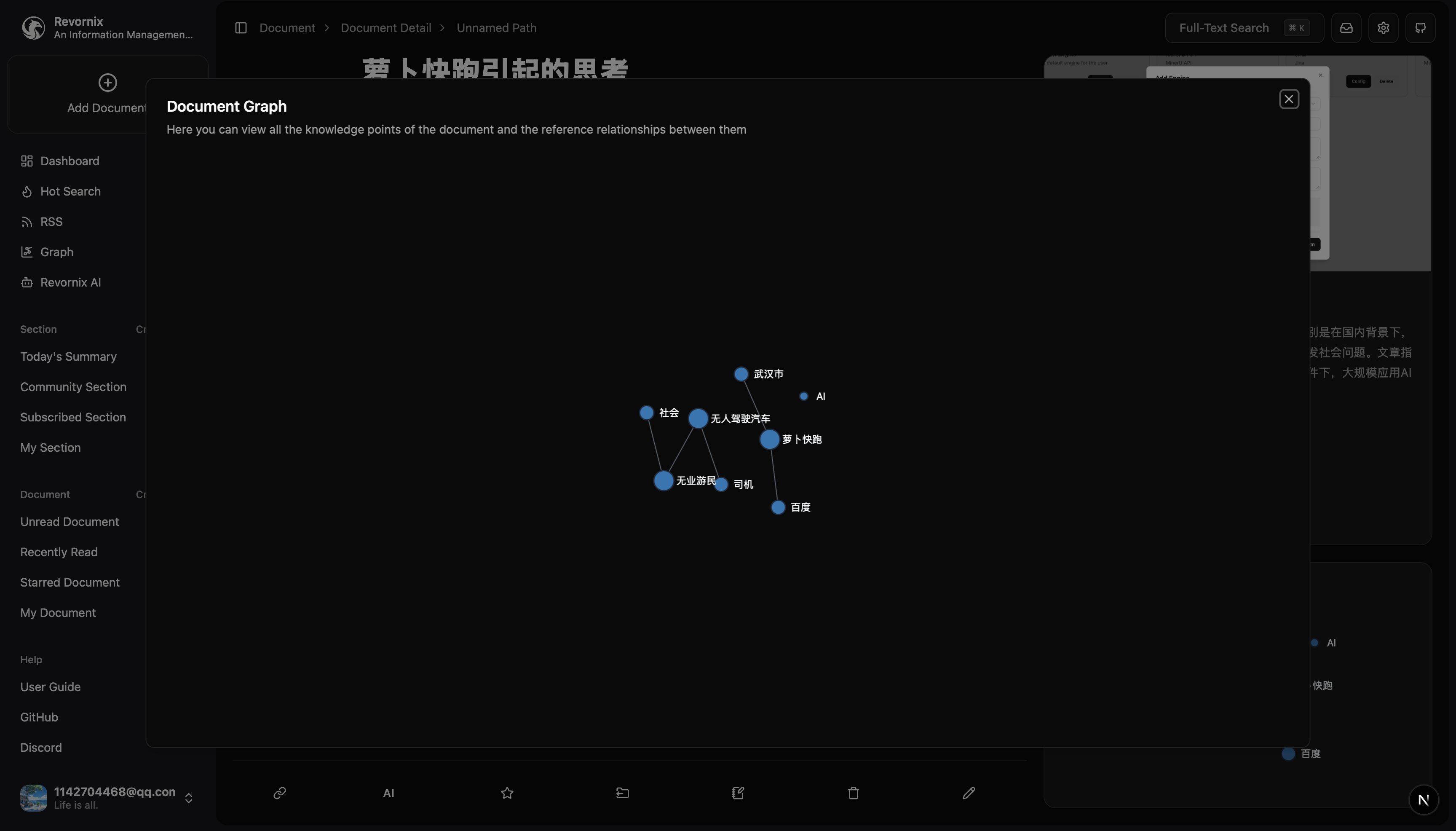
Use the knowledge graph in the bottom-right to see the document’s knowledge points and their relationships.
Document podcast audio
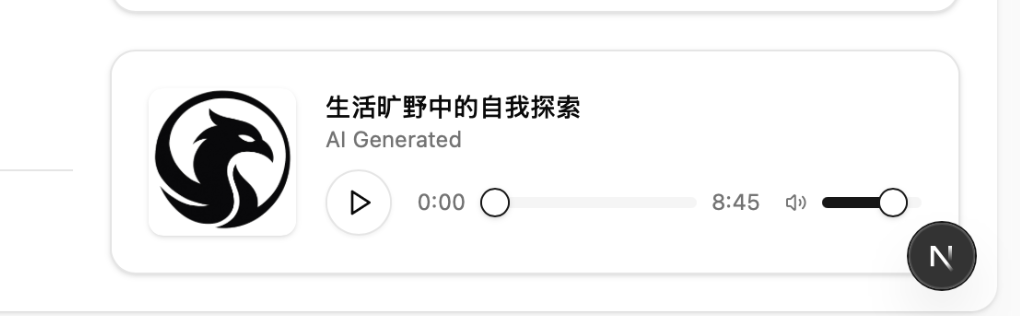
After enabling auto podcast generation, you can listen to the document’s podcast audio via the bottom-right audio player.